

AI UGC video ads
from one product photo
Pick a UGC model below, open its prompt in Voasis, add your product photo and render a hyper-real, phone-shot ad.
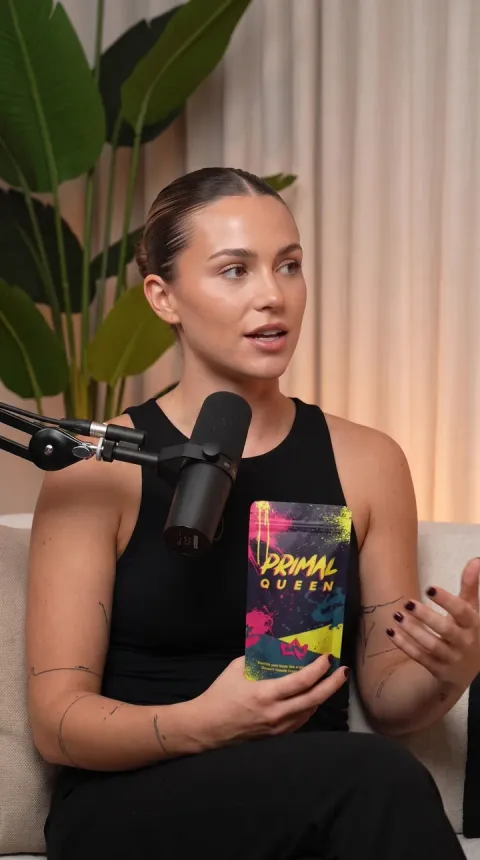
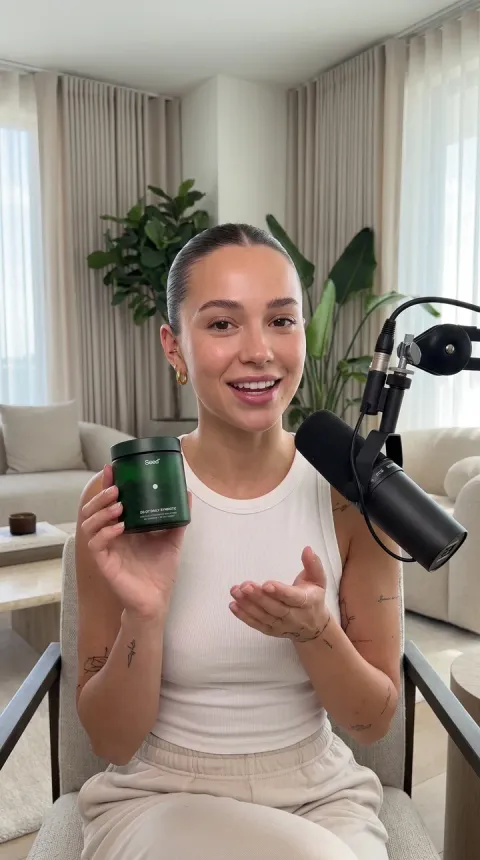
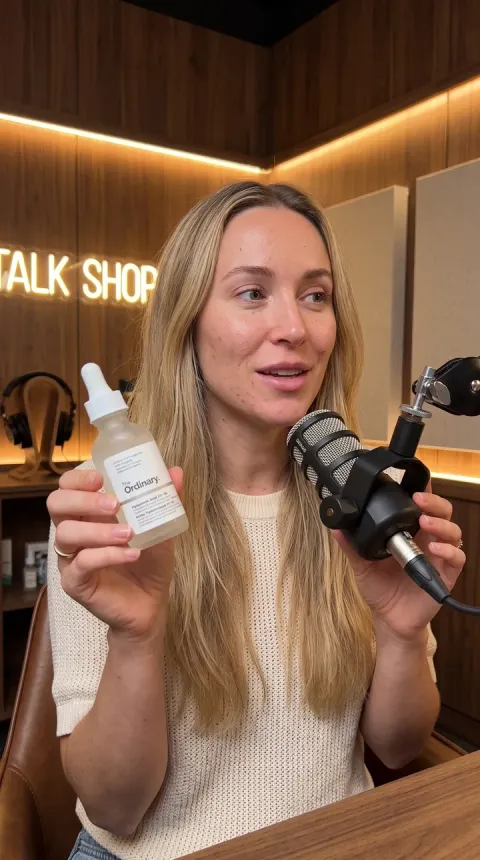
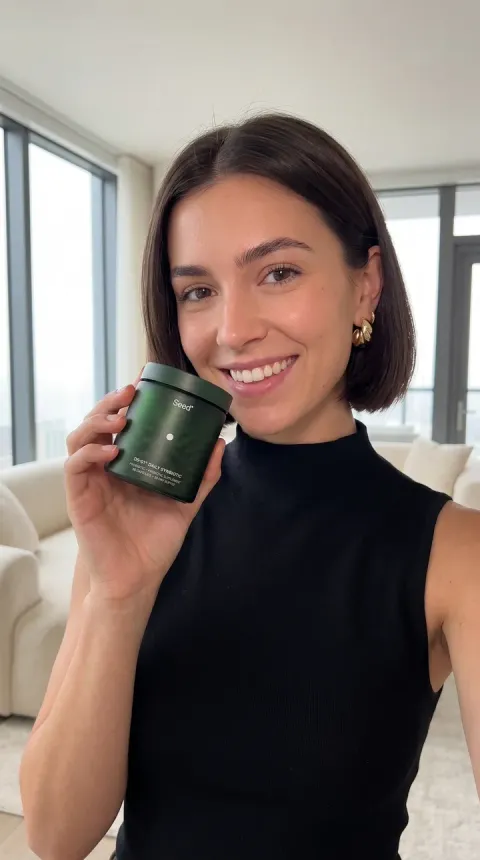
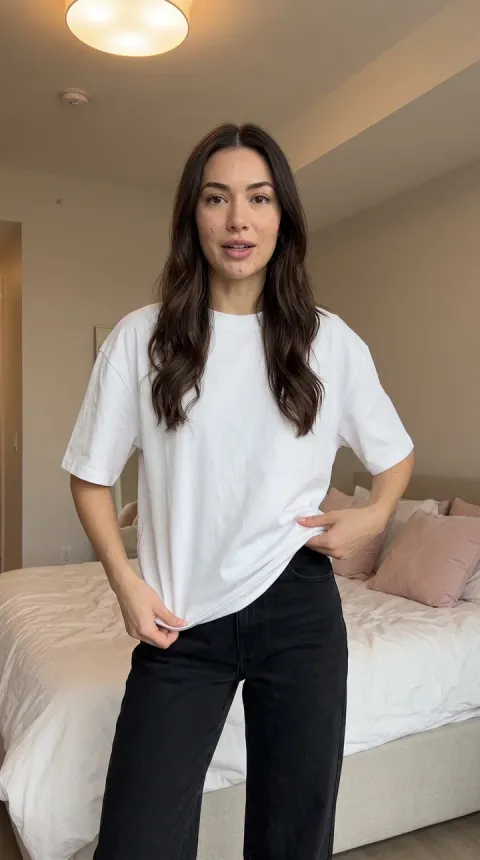
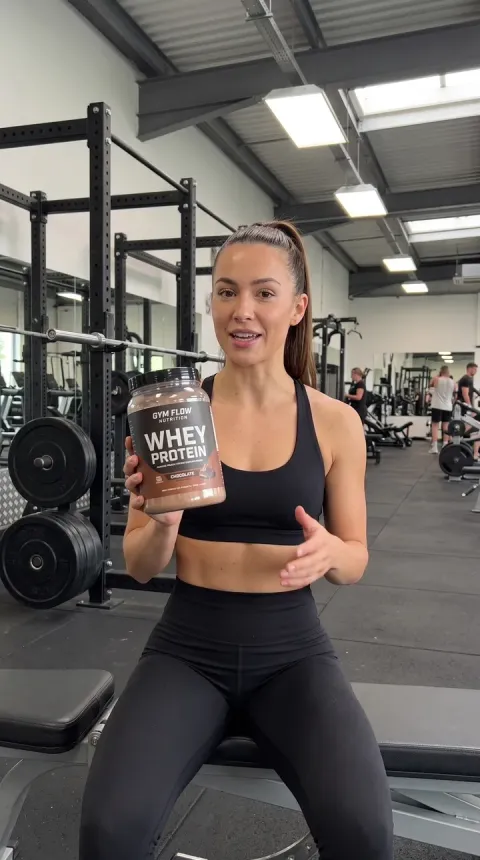
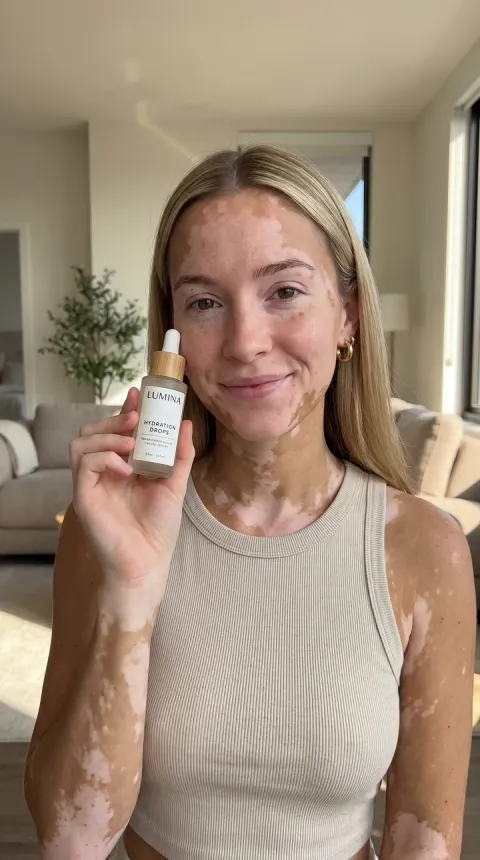
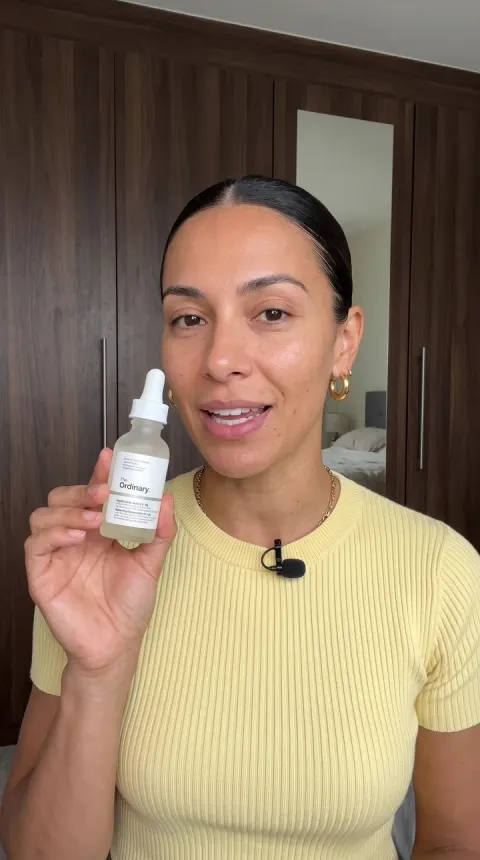
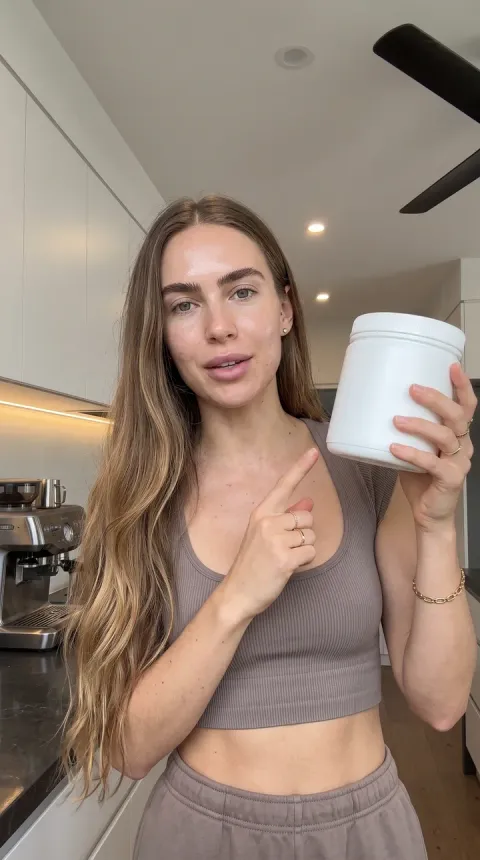
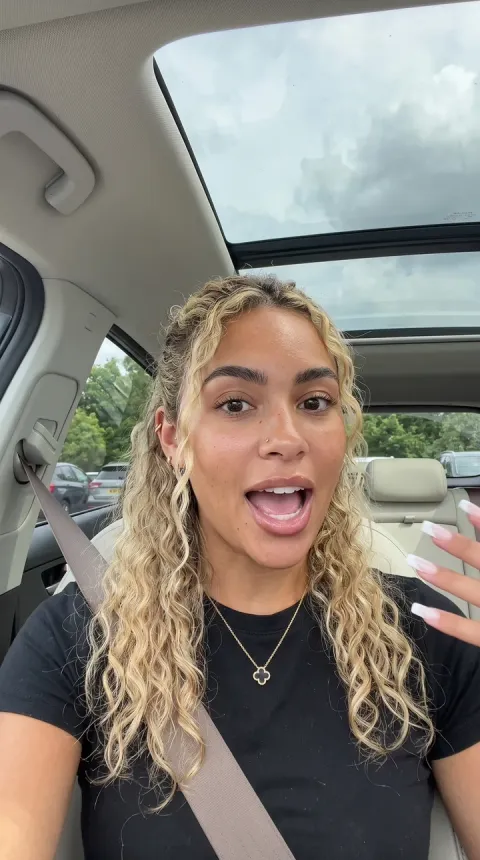
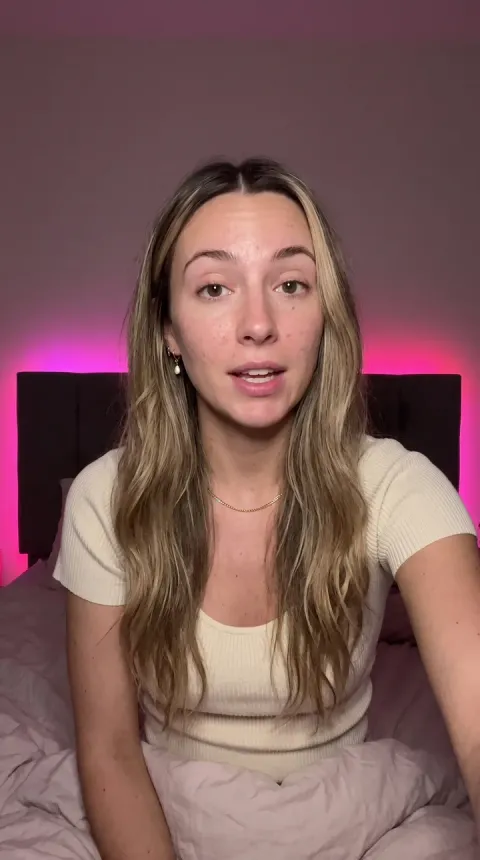
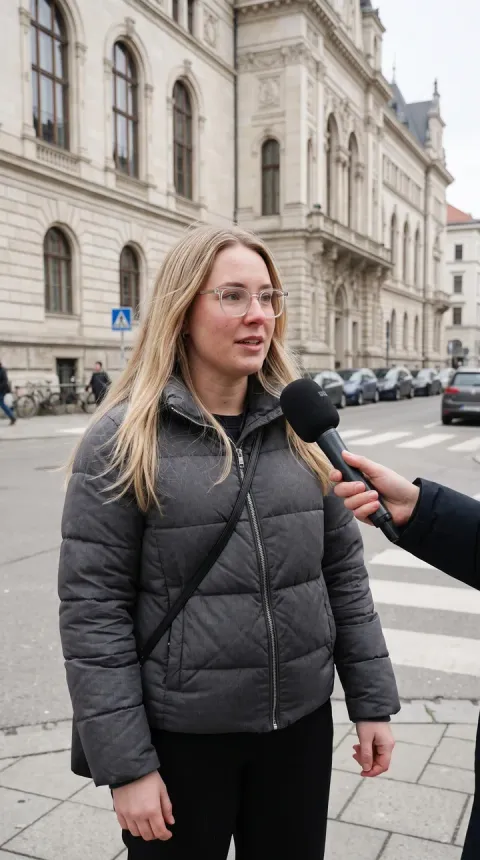
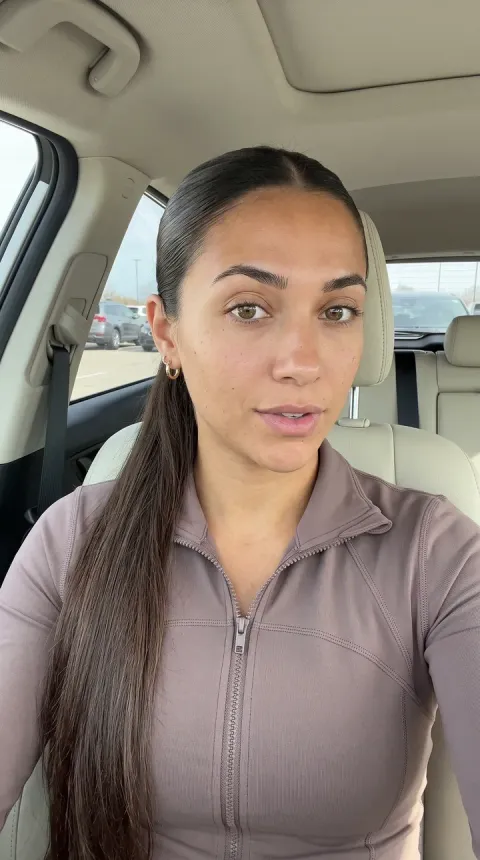
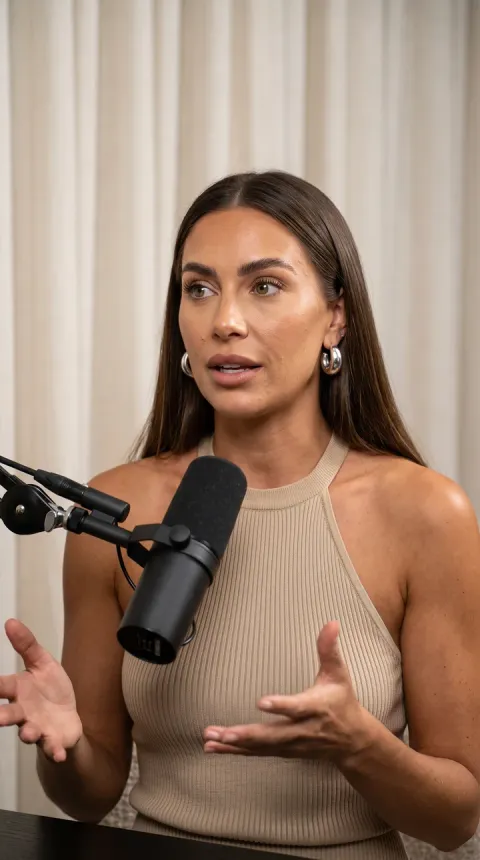
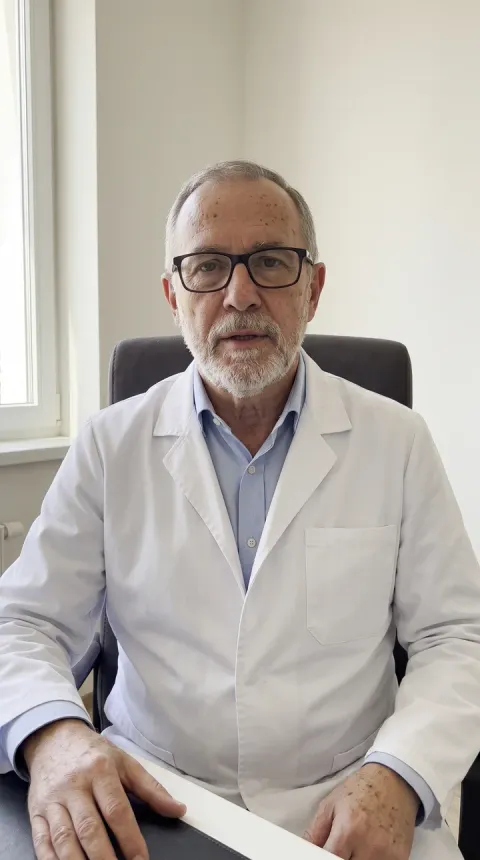
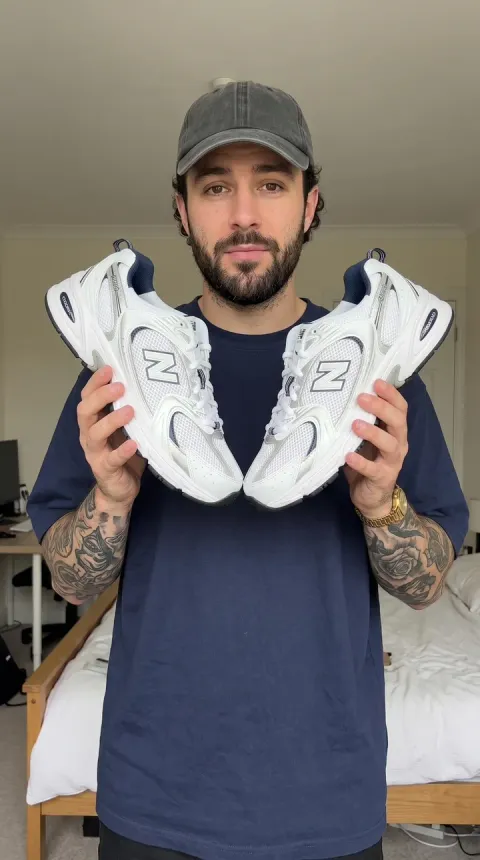
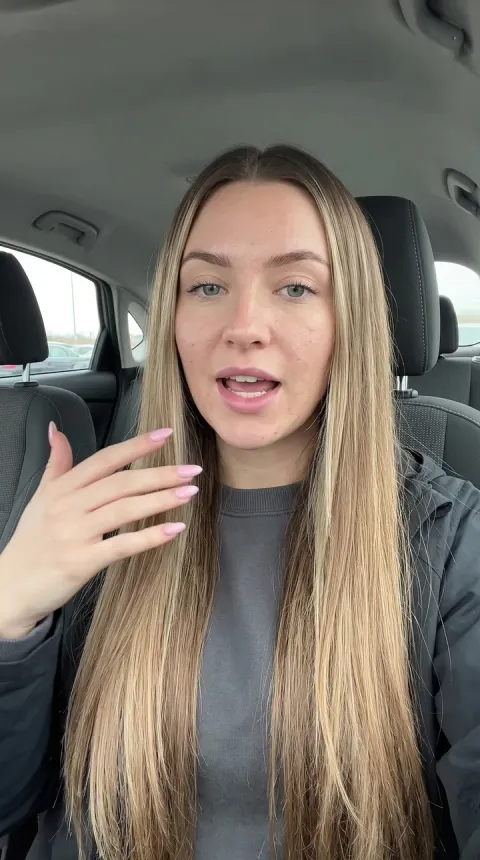
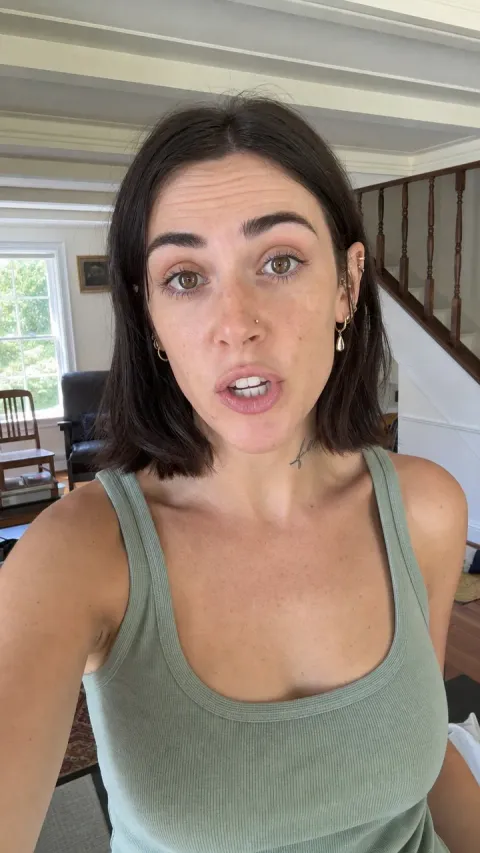
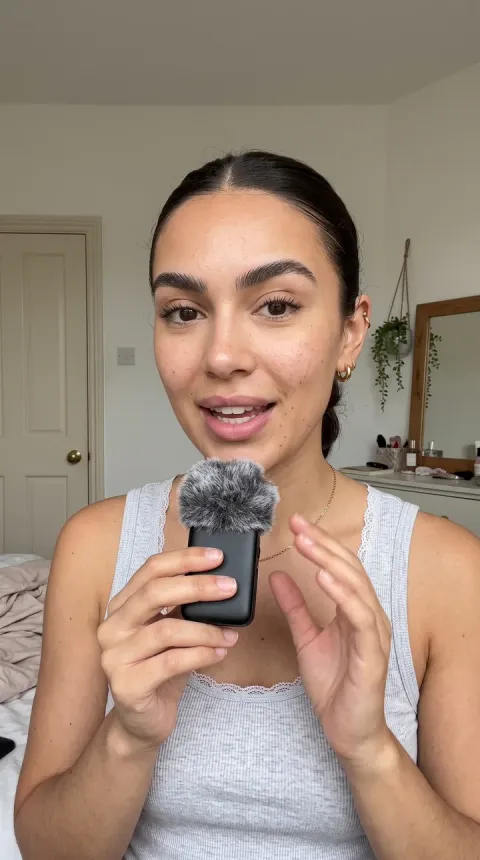
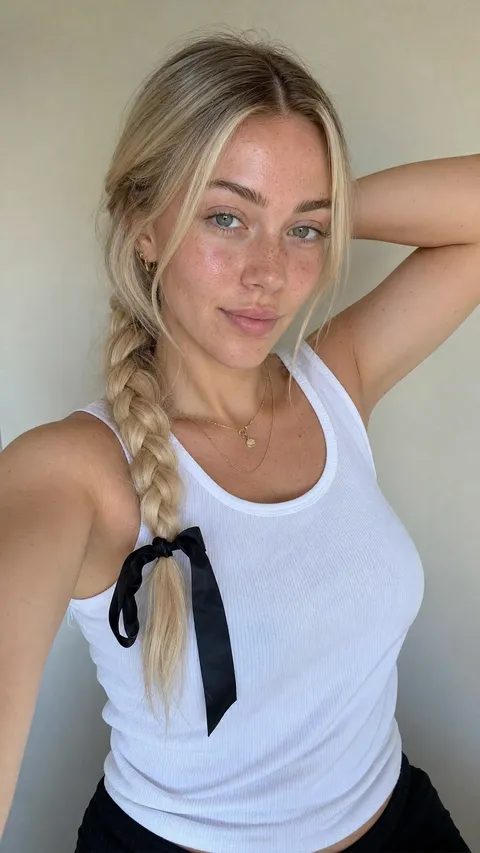
Hover any render to read its prompt
Discover the prompt behind every model, written out in full. Click "Use prompt" to open it in Voasis and generate your own unique model holding your product.
From template to UGC ad in three steps
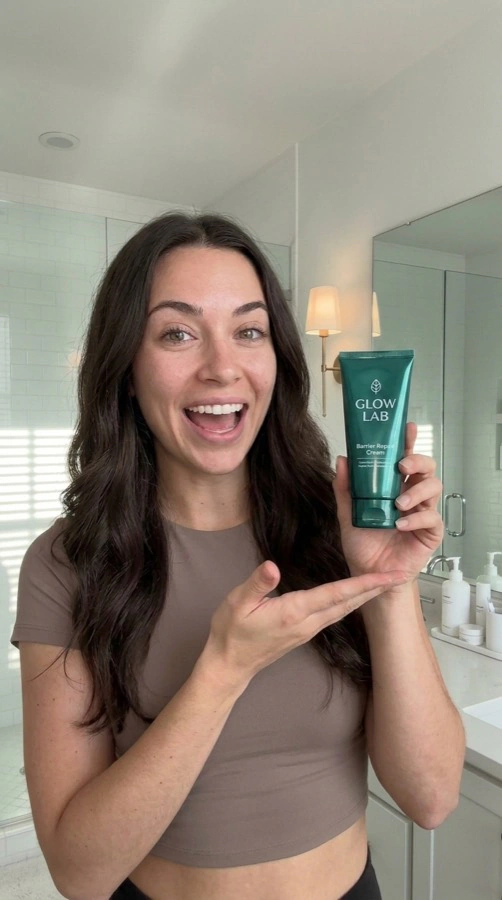
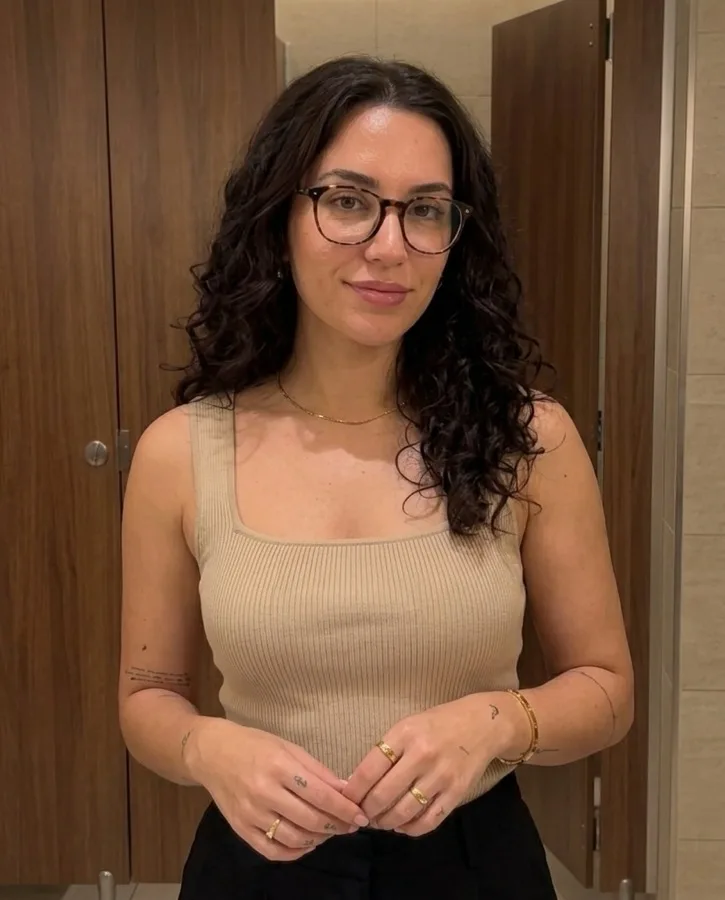
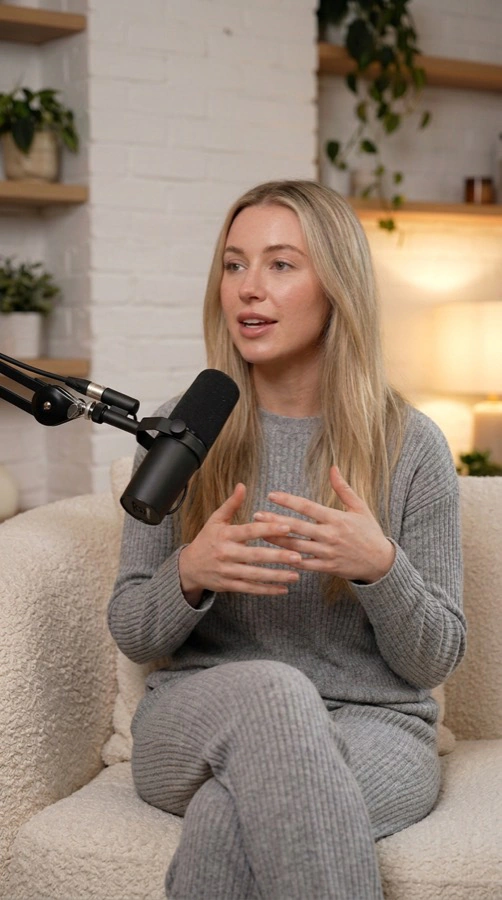
Pick or generate a model
Pick one of our AI creators, or make one that is only yours using any prompt above.
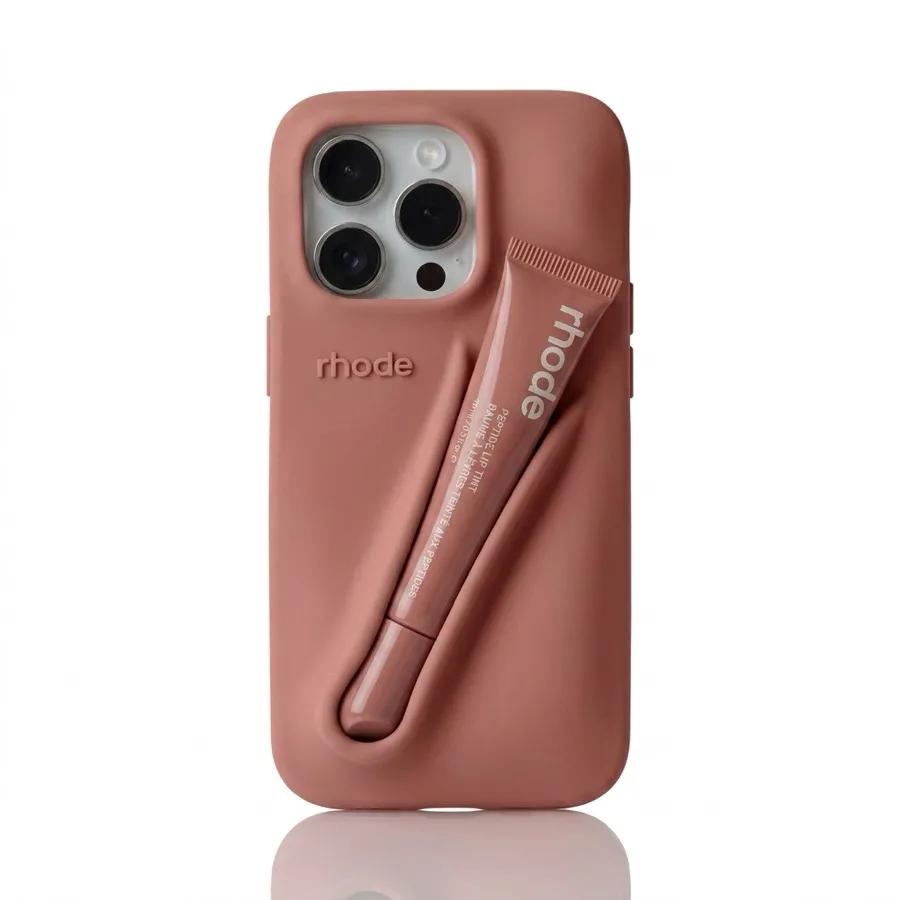
Add your product photo
Upload your product photo so the creator you chose holds it on camera.
Render and test
Render in 9:16 or any ratio, then change the angle, scene or hook and render the next clip.
Looks filmed, not rendered
Natural light, a real room, believable skin and a first-person hook. Every prompt here locks identity and rules out beauty filters, and those rules do most of the work.
Phone camera, not a rig
Handheld with small natural drift. Tripod smoothness is the fastest tell that a clip was generated.
Real skin, no filter
Visible texture and pores, no beauty smoothing, no studio key light flattening the face.
Your product, unchanged
Label, colour and proportions held exactly as photographed, at the right scale in-hand.
Hook in the first line
Every template opens on a spoken hook, because the first second decides whether the rest gets watched.
Questions, answered
You choose a scene from the wall above, open its prompt in Voasis, drop your product photo in and render. What comes back is a vertical ad that looks shot on someone's phone. No camera, no creator booking, no edit pass.
Because every model on the market can already render a person holding a bottle. What separates a clip that sells from one that gets scrolled past is the room, the light, the way the hand moves and the line that opens it. That lives in the prompt, not the model.
Yes, they are yours to keep. Copy them, edit them, run them in whatever tool you already pay for. Nothing about them is locked to us. Rendering here draws on your workspace credits.
Less than you would think. Swap the wardrobe, environment or character notes for your own, and leave the camera, lighting and identity-lock sections alone, since those are what hold the phone-shot look together.
It should not. Every prompt carries an explicit instruction never to alter your product's branding, labels, colours, materials or proportions, plus a negative prompt against deformation and blurred branding. Upload a clean, well-lit shot and those rules have something solid to hold onto.
No. Each prompt describes the creator only as a fallback, and defers to whatever model reference you upload. Pick one of our AI creators or build one nobody else has, and the same scene re-renders around them.
Not to get started. The prompts define how the creator speaks and moves rather than a fixed script. When you would rather work from evidence than instinct, the Strategist reads your reviews and the ads your competitors are currently running, then drafts the lines for you.
Every video model in Voasis, Sora 2 Pro, Seedance 2.5, Kling, Veo, Wan and Grok among them. Each prompt describes camera, light and behaviour rather than vendor-specific settings, so it carries across models instead of being tuned to one.
Most of these are structured JSON, straight from the Studio's shot builder: identity lock, wardrobe, environment, camera and negative prompts as named fields. That structure is what stops a render drifting between takes.